“What animal are you at heart?”
The answer can be literal, strange, or somewhere in between.
Employee welcome gifts, made personal
Put your company artwork on one side. Leave the other to the person joining you. A simple prompt turns their answer into original art—and a welcome gift worth keeping.
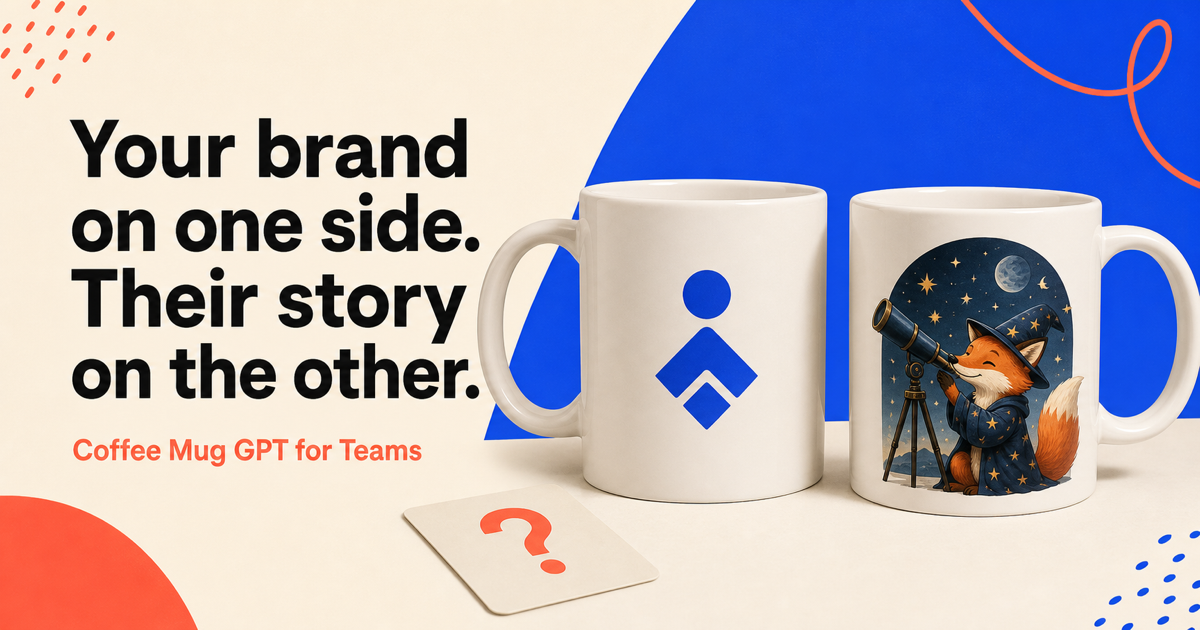
A better welcome starts with something personal.
How it works
You set the brand once. Each new hire gets a private place to make the gift their own.
Upload the artwork that belongs on every mug. It stays fixed.
Send a private, expiring link to their work email.
They choose a prompt—or start from scratch—and make the other side entirely their own.
The icebreaker, built in
The prompt gets them started. Their answer gives the team something real to talk about.
The answer can be literal, strange, or somewhere in between.
Climbing. Cooking. Collecting vinyl. The details make it theirs.
A mountain trail. A corner booth. The kitchen after midnight.
One small question. Endless ways to make it visual.
Private by design
Your team controls the company artwork and every invitation. Each employee gets a single-use link tied to their work email.
Create your team page
The details
You upload the company artwork for Side A. It stays fixed. Each new hire uses their private invitation to create Side B from an optional prompt or an idea of their own.
No. Prompts simply make the first step easier. Employees can answer one, adapt one, or start from scratch.
Company settings require a verified admin session. Every employee invitation is tied to the intended work email, expires after seven days, and can be claimed once or revoked before use.
No. Each invitation is made for one person and requires the matching work email. Admins can see its status and revoke an unused invitation at any time.